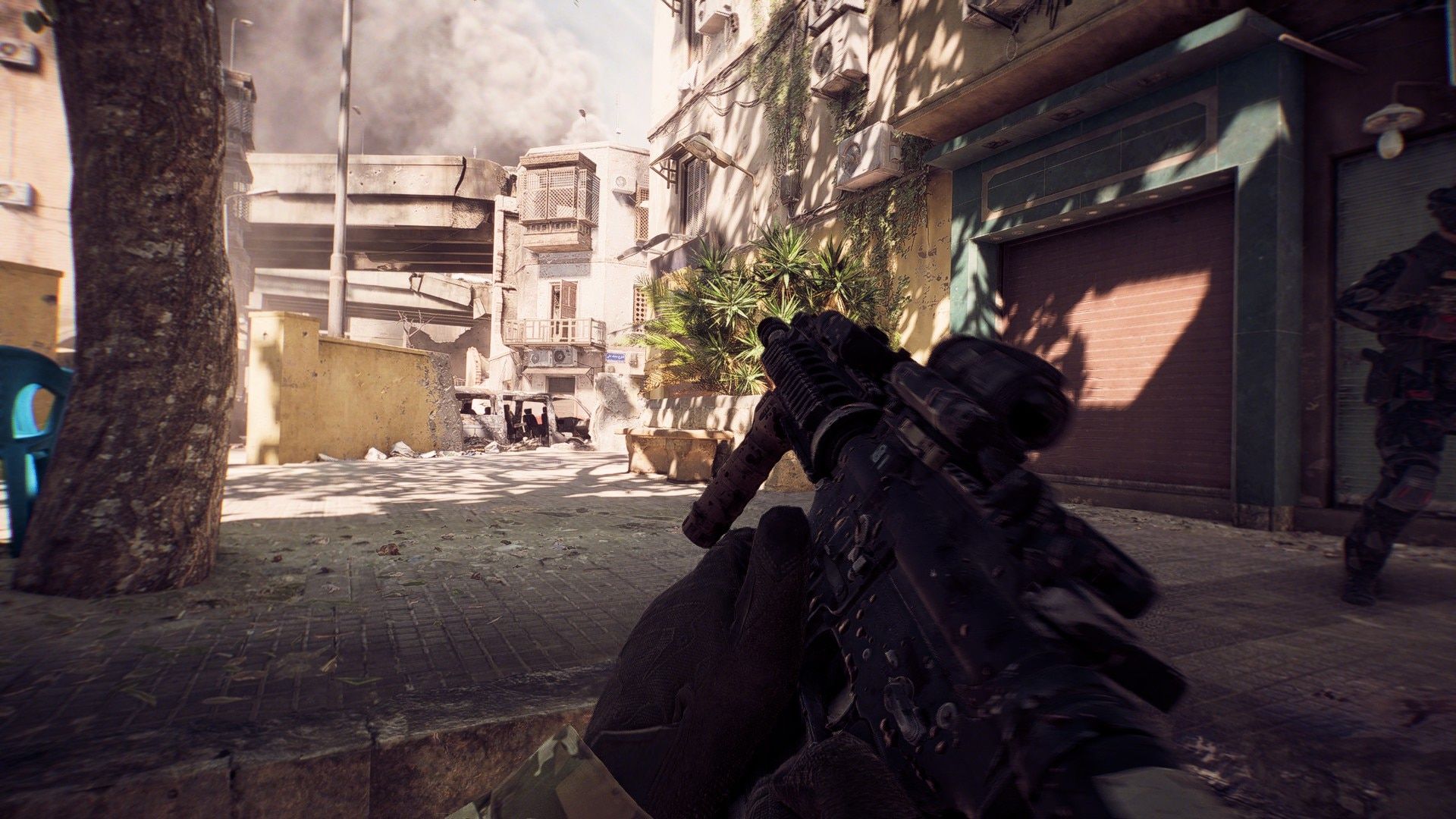
Battlefield 6 introduces a deeper controller system than any past Battlefield, and the right aim assist settings can completely change your consistency in gunfights. If your aim feels off, especially at long range, this setup will tighten your accuracy, improve tracking, and help you land more shots under pressure. Here’s a full breakdown of the best Battlefield 6 aim assist settings, sensitivity tweaks, and curve adjustments to dominate both close and long-range engagements.
Understanding The Aim Assist System In Battlefield 6
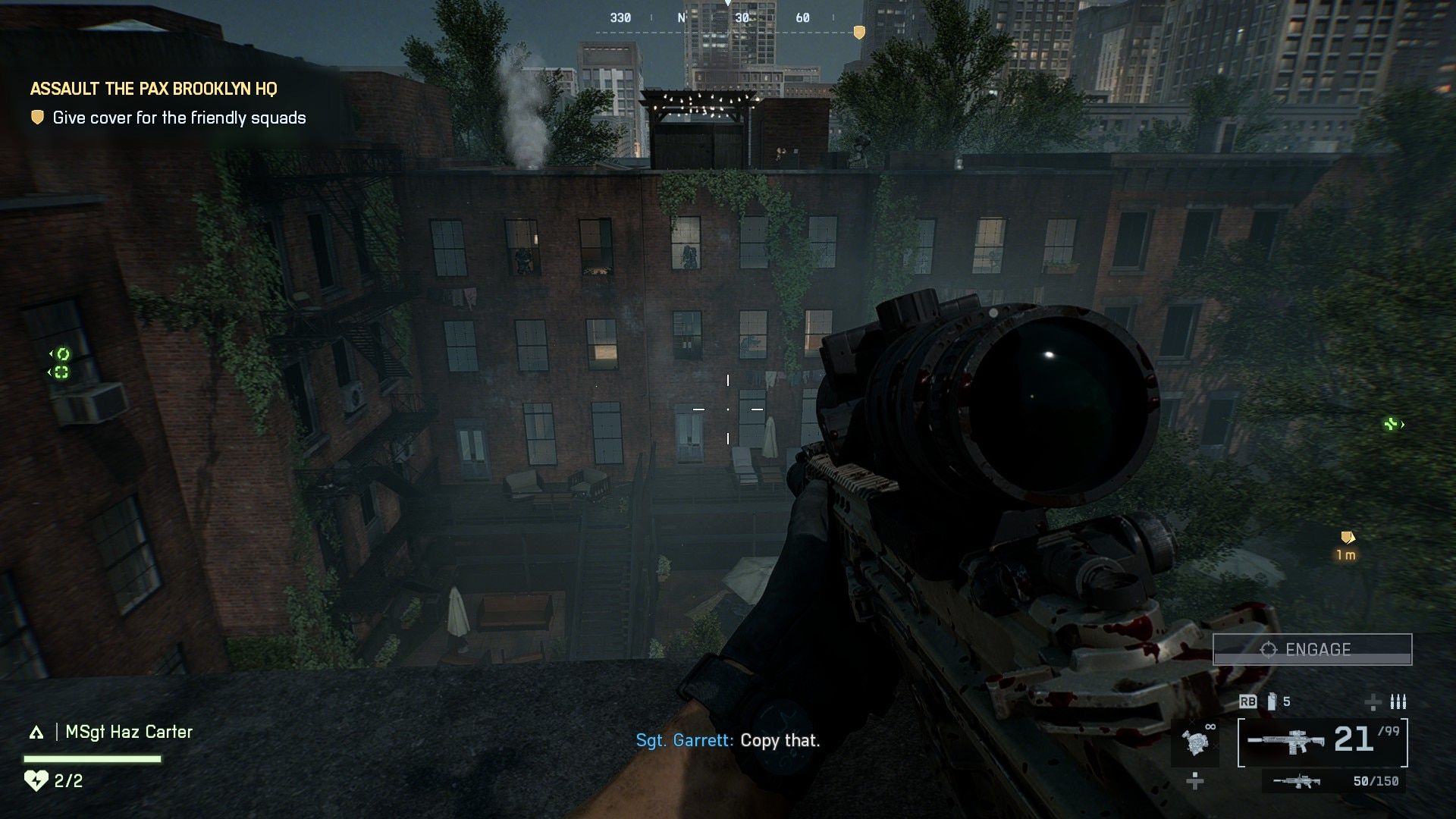
Battlefield 6’s aim assist is designed to give slight “stickiness” when your crosshair is near a target. However, with the wrong sensitivity and curve settings, it can feel inconsistent, especially for players coming from faster-paced shooters like Call of Duty.
The first thing to understand is that your input curve and sensitivity directly influence how the aim assist feels. Fine-tuning these values gives you smoother target tracking, especially when bursting or strafing around cover.
Best Battlefield 6 Controller Setup
This setup is tested with an Xbox Elite Controller but works well on any gamepad.
1. Alternate Button Preset
Switch to the Alternate layout so crouch and prone are bound to the right stick. This lets you dive in and out of cover without moving your thumbs off the sticks — a huge advantage during close-quarters fights.
2. Field of View (FOV): 100–120
Keep your FOV between 100 and 120. A wider FOV reduces perceived recoil and improves spatial awareness, letting you react faster to flanks.
3. Turn Off Controller Vibration
Disable controller vibration entirely. It introduces a micro-shake that throws off precision during long-range engagements.
Battlefield 6 Aim Assist Settings
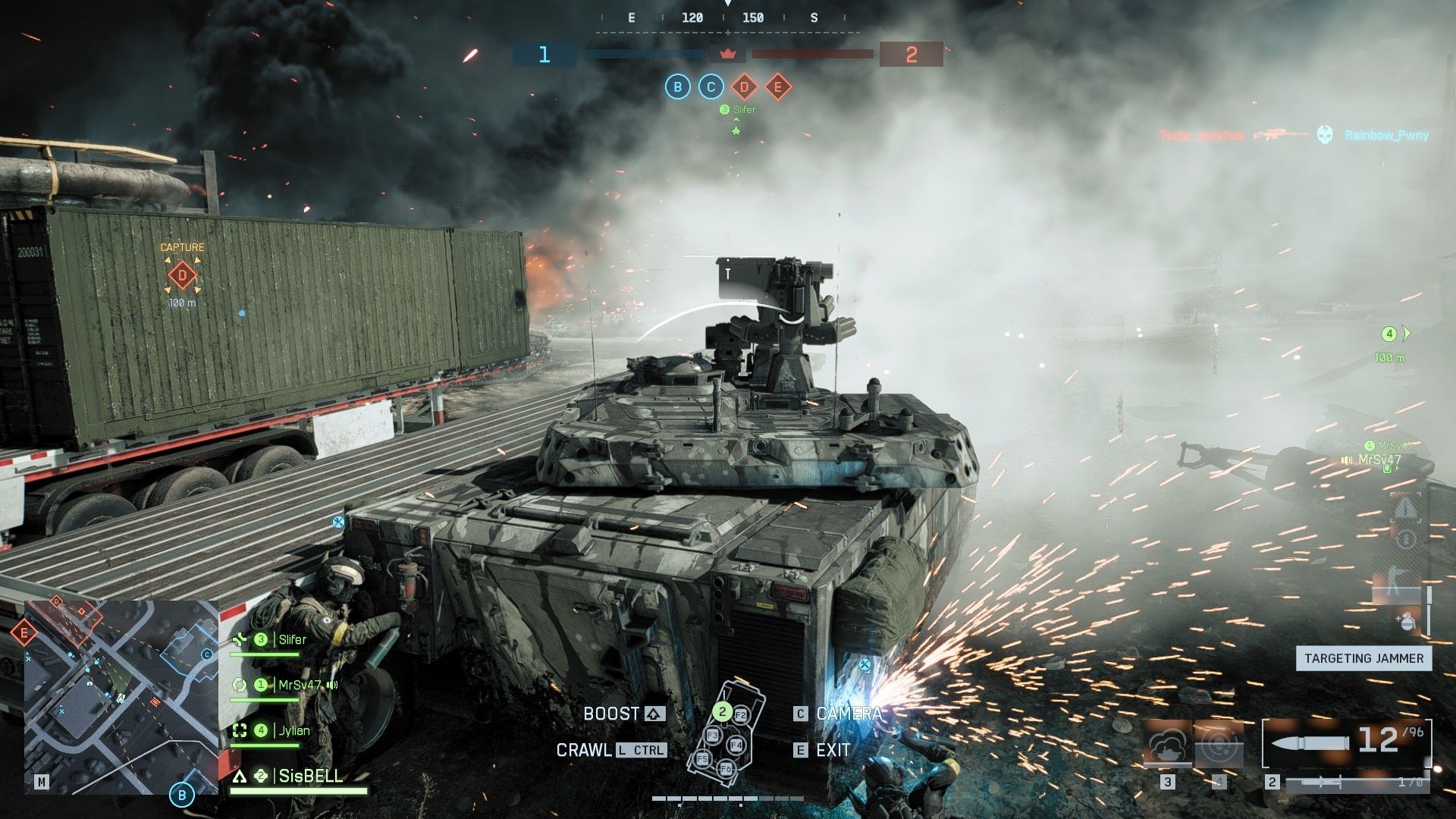
These are the values that currently provide the best balance between control and responsiveness:
- Infantry Aim Assist Sensitivity: 40 (This reduction from the default 75 gives more control and precision when fine-tuning your aim.)
- Infantry Aim Input Curve: Battlefield 3
- Infantry Zoom Aim Input Curve: Battlefield 3 (The Battlefield 3 curve offers smoother aim acceleration and better stick control than the default or Bad Company 2 settings.)
You’ll immediately feel a more stable aim at long distances while maintaining responsiveness up close.
Pro Tip: Give yourself a day or two to adjust. The Battlefield 3 curve feels drastically different, but rewards patience with tighter accuracy and more consistent aim tracking.
Zoom Sensitivity and Long-Range Control
Fine-tune your zoom sensitivities to stabilize long-range fights:
- 1x–2x Optics Zoom Sensitivity: 80
- High Zoom Optics (3x+): 110
This allows for smoother tracking with mid-range optics and slightly faster micro-adjustments on long scopes. Sniping and DMR fights feel significantly easier with these numbers.
Additional Settings for Consistency
- Uniform Infantry Aiming: Off
Turning this off ensures your aim assist stays consistent regardless of zoom level. - All Soldier Sensitivity: Keep at 100.
- Deadzone Settings: Adjust these manually depending on your controller’s stick drift. Lower deadzones make inputs more responsive but can introduce drift if your controller isn’t in perfect shape.
Related: BF6 vs BF4 vs BF5: Battfield Games Compared and Differences Explored
How to Practice Aim Consistency In Battlefield 6
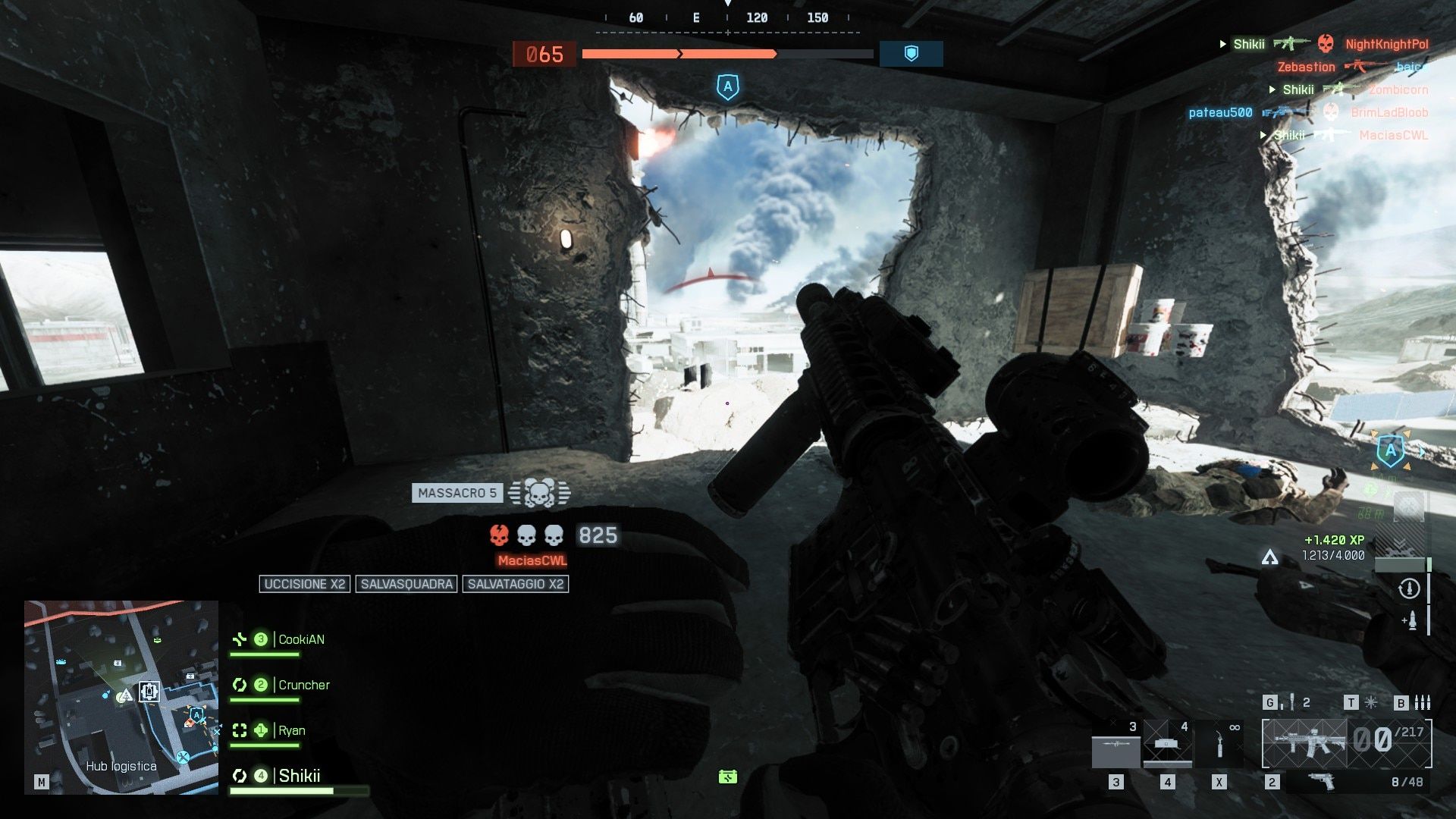
Head to the Firing Range and test the Battlefield 3 curve at 40 sensitivity. Focus on snapping between targets using burst fire. You’ll quickly notice less recoil climb and better tracking during strafes.
For long-range fights, always burst fire instead of full auto. Battlefield 6’s recoil bloom punishes spray firing. Short, controlled bursts will drastically improve your time-to-kill and accuracy, especially with rifles and carbines.
If you love shooting games, check out own free online shooting game Gun Master.
Final Optimization Tips
- Don’t copy your Call of Duty sensitivities — Battlefield plays slower and rewards precision over twitch reactions.
- Keep your crosshair at chest level and rely on the sticky aim assist for slight head-level tracking.
- Spend 15 minutes daily in the Firing Range refining small stick adjustments.
- Re-check your deadzones monthly as controllers wear down over time.
Summary: The Perfect Battlefield 6 Aim Assist Setup
- FOV: 100–120
- Aim Assist Sensitivity: 40
- Aim Curve: Battlefield 3 (both regular and zoom)
- Zoom Sensitivity: 80–110
- Uniform Aiming: Off
- Controller Vibration: Off
Once you get comfortable with this configuration, expect your accuracy, recoil control, and overall gun skill to improve dramatically — especially in long-range duels and when defending objectives.
This setup delivers the stickiest aim assist and most stable control feel in Battlefield 6 right now. If your shots have felt inconsistent or “floaty,” switching to this layout will immediately change how the game feels.
Check out more Battlefield blogs from Gamezop!
 More in blogs